Coupon Code Discounts are one of the best marketing tools around for your Spiffy Store. Customers love using coupon codes to get a special deal on their next purchase.
We’ve just added some new options to our Coupon Code Discounts that we know will help you increase your sales and gain new customers.
Firstly, you can now create a coupon code that is limited in its use based on the email address of the customer. In other words, you can now create a coupon code that can be used only once for each customer. You might be having a promotional sale on a new line of products, and you want to be able to offer a 10% introductory discount to your customers when they purchase these new products.
The new limited-use coupon code allows you to do exactly this. Any customer can use the coupon code for their first purchase of these items, and get the discount, but on subsequent orders, the discount offer will no longer be available.
Our second update to the Coupon Code Discounts is similar, except that it limits the use of the coupon code discount to only new customers. This is a great way to attract new customers. You’re able to offer them a discount or free shipping on their very first purchase, which introduces them to your store, and hopefully leads to repeat purchases in the future!
These new options are now available on all plans that include the Discounts and Coupon Codes feature, and for other plans, it is included as part of the associated add-on.
For more information and a step-by-step, check out the documentation on setting up Coupon Codes in our knowledge base.
We’re happy to announce that PayPal’s new payments platform, PayPal Checkout, is now available on all Spiffy Stores.
This new platform brings a raft of improvements, both for you, as a merchant, and for your customers.
Your customers are going to be pleased that the new PayPal Pay in 4 payments option is now available to eligible customers, allowing them to split their payment into 4 separate payments, so that they can spread out the cost of their purchases to suit their budgets. As a merchant, you’ll receive the full payment up front, with PayPal managing the remaining payments.
You’ll be also happy to know that all the confusion between PayPal Express and PayPal Website Payments Standard has gone away. Now there’s just a single payment option that the customer can choose at payment time. What’s better is that the customer doesn’t leave the checkout page to be redirected to the PayPal site for payment. The whole payment process takes place within a pop-up window on the checkout page. This will eliminate a lot of confusion for your customers, and will hopefully improve your sales as a result.
Another terrific improvement for you, as a merchant, is that abandoned orders are a thing of the past. Under the new PayPal Checkout platform, if a customer has a change of mind, and doesn’t proceed with the payment, then an order is not created. This means that you won’t see a lot of unpaid orders popping up as customers get redirected to PayPal, and then confused by the process, and abandon their purchase, leaving you with an unpaid order to deal with. Of course, if a customer does not go through with the purchase, you still have the option of following them up with a reminder email using our Abandoned Checkouts feature.
If there’s a problem with the order, and you need to process a refund, you’ll be happy to know that the refund process is now fully integrated with PayPal. If you process a refund for a PayPal Checkout order through your Spiffy Store admin interface, then that refund will also be passed through to PayPal for processing automatically.
Finally, when you ship an order, if you add a tracking number to the order, this will automatically be added to the PayPal order as well. This will greatly improve your chances of winning any dispute with the customer, as PayPal will have a record of the tracking number and will generally find in your favour as a result.
PayPal Checkout is fairly straightforward to add to your Spiffy Store. If you are currently using the older legacy PayPal integrations, then you will need to disable them first. You can then follow our instructions in our Knowledge Base for adding PayPal Checkout to your store.
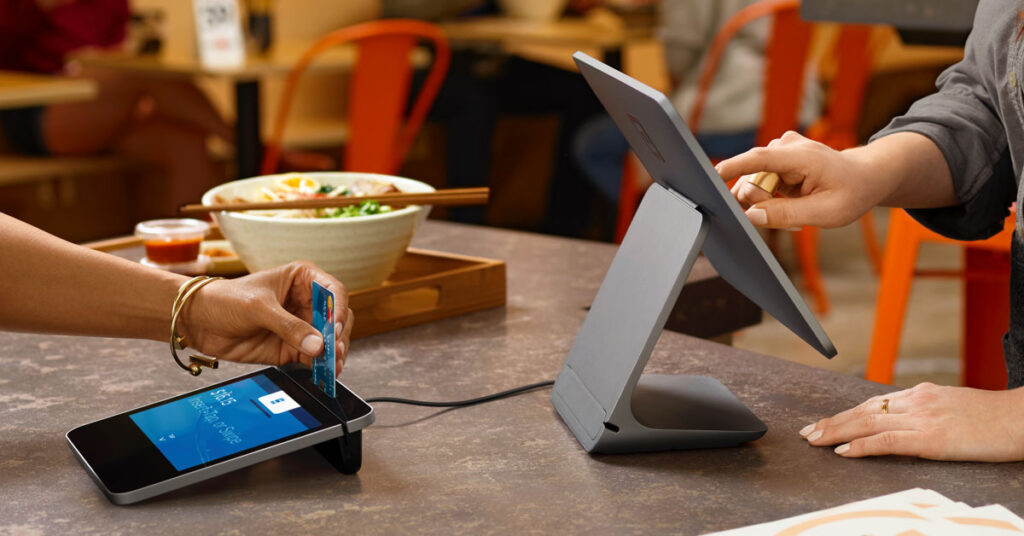
Square is a well-known and trusted solution for many small business owners who need a Point of Sale solution. Their software and hardware options make the management of physical inventory a breeze, which is why they are a popular choice.
If your business starts to grow and you want to branch out and add an ecommerce option for sales, or vice versa, then you need to look at how you’re going to manage inventory and make sure that it all stays in synchronization between what your online store has for sale, versus what you have on the shelves in your physical store.
Here’s where Spiffy Stores can help.
We know that lots of Square POS users love their systems, but it can be difficult to find an ecommerce platform that is going to share the love. That’s why we have integrated the Square Point of Sale within our platform, to make your life as easy as possible.
It’s a simple as connecting your Square POS account to your Spiffy Stores account, selecting which products to synchronize and performing an initial synchronization. Products are then synched across to Square POS with their images and information seamlessly. Everything’s built in. There are no extra 3rd-party apps to buy and install and it’s all done in real time.
Once you’re up and running, every sale from your online store will update available inventory in your in-store POS system so that you can’t ever find yourself out of stock. Similarly, a sale in your physical store updates the inventory in your online store. A product can’t be oversold, so you now have a drama-free experience fulfilling your orders.
With Spiffy Stores and Square POS, you have the best of both worlds.
Don’t forget we’ve already integrated Square payments, so you can also accept credit card payments using your Square account in your online store.
Our Square POS integration is now available to all stores. It’s included in our Pro Plan, and is available as an add-on to all stores on other plans.
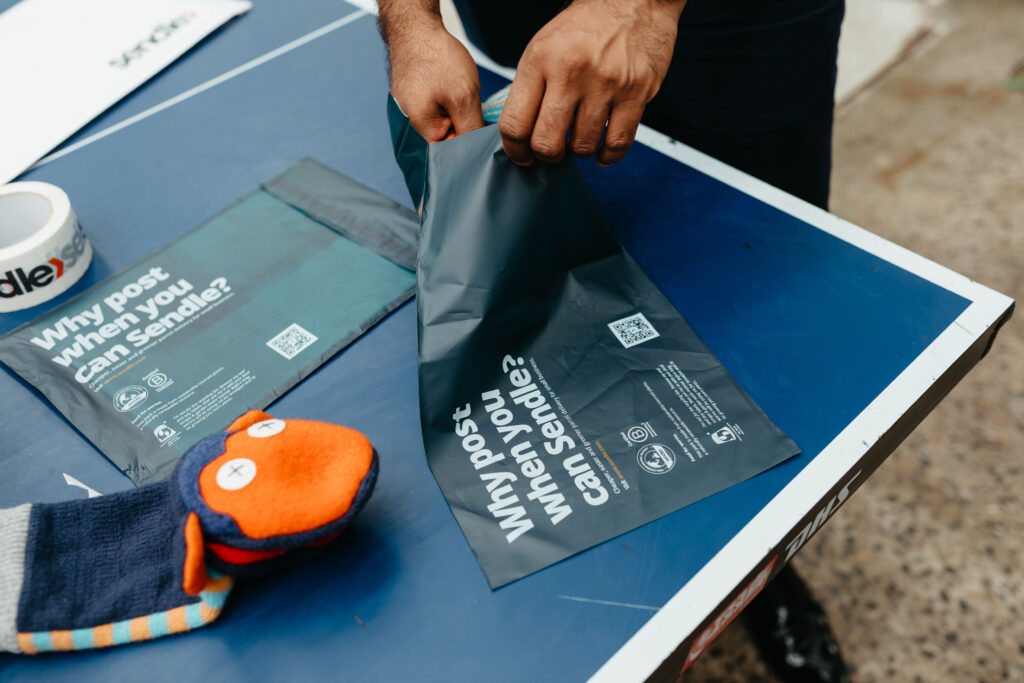
Hot on the heels of our integrations with Fastway and Australia Post, we’re delighted to announce our integration with Sendle… who have just recently announced they are now Climate Neutral Certified!
Sendle is the sustainable shipper specifically designed for small business. As the first 100% carbon neutral shipping service in Australia (and now the US and Canada, too), they work hard to reduce shipping’s harm on the planet. Sendle, like us, thinks that everyone, everywhere should have the opportunity and tools to build their dream business.
Each year 1 billion parcels are sent across Australia alone. And, each one of those parcels has an impact on the environment. In addition to a heap of packaging waste, tons of CO₂ are emitted into the atmosphere with every delivery. It’s a huge problem.
By shipping with Sendle, you’re part of the solution. Every time you send a parcel, Sendle offsets the carbon emissions by investing in environmental projects. So far, they’ve helped preserve pockets of native forests in Tasmania’s Central Highlands, helped protect the Australian Long-nosed Potoroo, and are helping restore wetlands and native forests in Australia.
For us at Spiffy Stores, efficiency is the name of the game when it comes to shipping. Relying on manual processes to fulfil orders can be a recipe for disaster when things get busy.
Using shipping tools, such as our fulfilment integrations enables you to book a courier and print shipping labels automatically as part of a streamlined workflow. By simply doing this, you could get parcels out of the door 200% faster than you could by manually entering information for each parcel.
Like our other integrations, when you ship an order, your customer is automatically notified with the tracking information, you can print out all of your labels in one batch…and you’ll also be able to check on the status of each parcel until it is successfully delivered.
The difference with Sendle though, is that you can get discounted rates with a free upgrade to Sendle Premium, providing great discounted rates… as well as the peace of mind that your deliveries are 100% carbon neutral. You can take advantage of their 250g options for small or light items, Sendle Express is guaranteed cheaper than Express post, and you buy compostable satchels from them that break down in home compost (worms love them!). Plus, they’ve got dedicated customer support available 24-hours a day, 5 days a week if you need a hand.
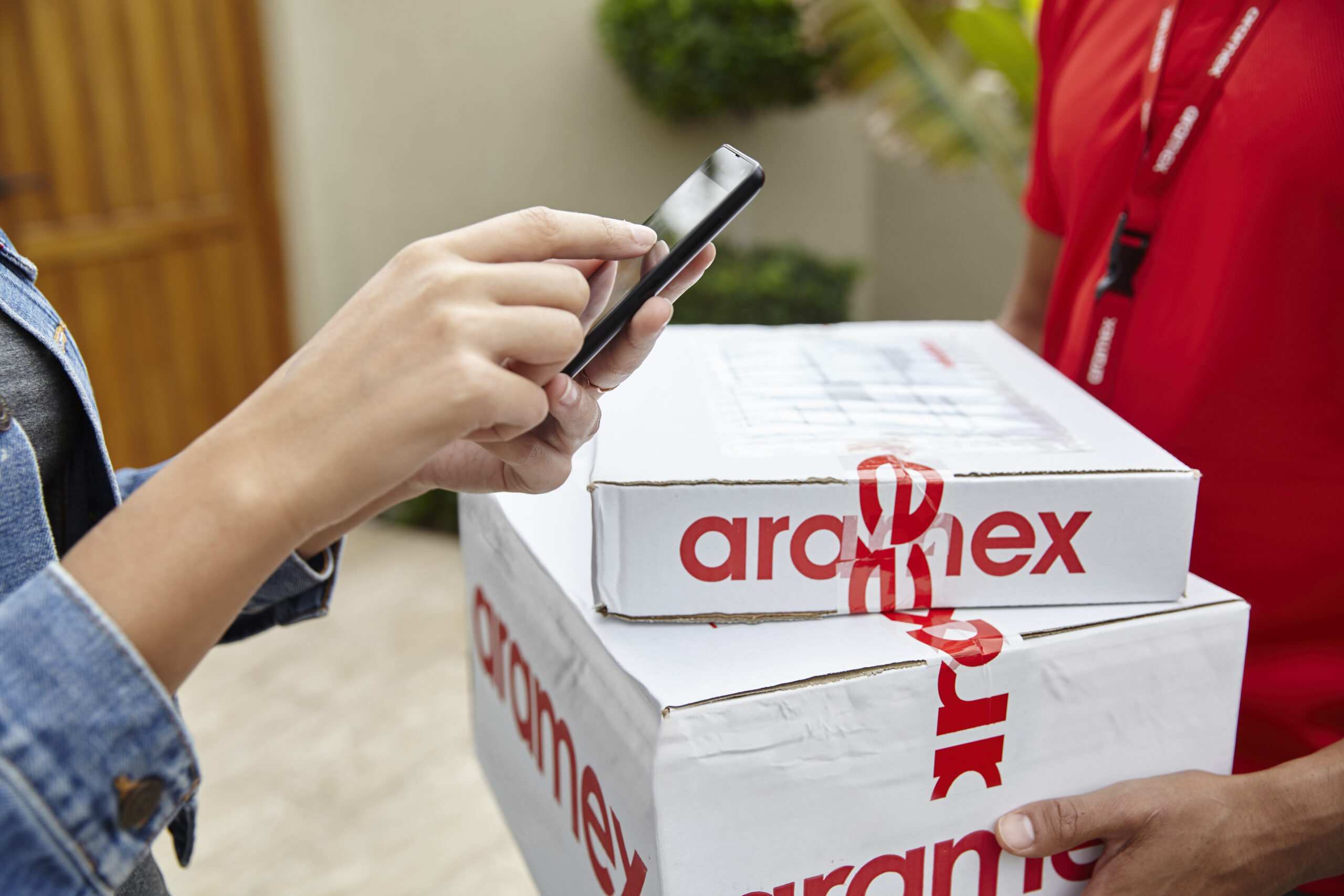
We’ve just integrated with Aramex/Fastway, to help you automate your shipping processes.
Aramex (formerly Fastway) is a popular carrier for many businesses, as they offer an affordable and reliable courier service that operates all over Australia and New Zealand.
Previously with Aramex, you would need to manually book a pickup, and manually add in all of the address details. This manual process can be quite time consuming.
We’re always on the hunt for way to save our merchants time and money, so we’ve now developed a direct integration with the Fastway/Aramex system.
If you already have an account with Fastway/Aramex, you can then easily enable this integration in your store’s admin, you can directly submit your orders to Fastway with the click of a button. Your customer is automatically notified with the tracking information, you can print out all of your labels in one batch… and you’ll also be able to check on the status of each parcel until it is successfully delivered.
Of course, this new integration will save you a lot of time, and we hope that new free time will be spent marketing your store. It’s the difference between a successful store and an er… not so successful one.
We already have merchants using the new integration, and so far the feedback seems very positive. If you’re using it and encounter any problems, just let us know by emailing us at support@spiffystores.com.au or calling us on 1300 727 334 to discuss.
To make this feature accessible to everyone, the Fastway/Aramex integration is available to all stores. It’s included in our Pro plan, and available as an add-on on all other plans in the Accounts -> Add-ons section of your store’s admin. It can be enabled in the Preferences -> Fulfilment Services section of your store’s admin.
We’re excited to announce that we have now released product reviews, and they are available and included in every Spiffy Stores plan at no additional cost!
We have been working away updating themes to include a way for your customers to add reviews, and for them to be displayed beautifully in your store… and most themes are finished! The last theme we’ll be updating (the Adelaide theme) should be available next week.
With the addition of the built-in mail after purchase email, you should be able to generate a ton of product reviews. These reviews are also indexed by Google and can be a great way for you to generate some buzz around your store and your products.
Reviews and the mail after purchase email function are included in all plans and it takes just a few minutes to set up.
To activate reviews in your store, you’ll need to firstly ensure you have updated your theme to the latest version. We have instructions on how to do that here.
If your store has a custom design, or updating your theme seems a bit difficult… it’s likely you’ll want us to do this for you for a small fee. Please email support@spiffystores.com.au requesting that we update your theme to include product reviews, and we’ll let you know when we can book you in.
Once your theme is up to date, you can then enable product reviews in the Products section of your store’s admin.
You can enable the mail after purchase function in the Preferences -> General Settings section of your store’s admin.
You can add a logo or edit the automated mail after purchase email in the Design & Assets -> Email Templates section of your store’s admin.
We’ve made product reviews available to all stores for many reasons… but the main one is that they can make a huge difference to your store’s performance. How? You may ask…
8 reasons why you need Product Reviews in your store now!
Reviews can help your store increase sales, and can help you to convince customers to leave more of them. Read on to get started.
1. Product reviews help create more informed customers
Product reviews can contain a lot of extra information that can’t be found anywhere else. Reviews can mention things like durability, colour, sizing, and so much more.
It’s personal insights such as “a little narrow for my wide feet” that help customers to be informed and find products that they will love.
2. Valuable insight helps you to improve
Reviews can also help you better understand your products. You can spend hours using a product, but chances are your customers are going to notice things you never would. That means your customers can give you ideas for improvements, or even excellent ideas on how to market your products.
3. Increased transparency
It can be scary allowing customers to openly review you, but showcasing feedback – good or bad, shows you have nothing to hide, and value your customers opinion. The ability to reply to a review also allows you to acknowledge that you’re not perfect, or your products may not be perfect for everyone. Replying to a review can also show that you have faith in your product range.
And you needn’t worry about those odd negative product reviews – 68% of consumers trust reviews more when they see both bad and good review scores.
4. Increased trust
The immediate benefit of reviews is that they can make your future customers feel that much more confident. The more reviews you have, the more convinced a shopper will be that they’re making the right decision.
5. Social proof your products
We all want one everyone else has, right? That’s how trends work.
Product reviews can make every one of the items you sell super desirable. Instead of seeing every positive product review as a great piece of feedback, see it as a vote in a popularity contest.
Additionally, if customers share products they’ve reviewed across their social networks, it’s more exposure for those products and your brand.
6. SEO benefits
User-generated content provides Google with the thing it loves most: content, and lots more of it than mast store owners can generate themselves. Product reviews are usually full of really relevant, rich keywords, to help further build context around your eCommerce store. This can dramatically improve your Google rankings.
Plus… not sure if you’ve ever seen them, but you will see stars displayed under product listings in organic search results. These result in an increase in click-through rates. This is also one of Google’s ranking factors, so – yes… this will also help you reach the top spots in search ranking.
7. Increased Visibility in Google Shopping
Google Shopping is extremely competitive, and the addition of stars to your product listings can make all the difference when it comes to attracting the attention of potential customers.
8. More conversions and bigger baskets
As a result of your customers being more informed, more confident, and more trusting they’ll be more likely to convert. Not only that, but they’ll probably also buy more. We’re talking more, bigger sales.
According to statistics, reviews produce an average of 18% uplift in sales, and customers who visit a site and interact with reviews spend 11% longer on the site than those who don’t.
Trying to compete online without product reviews can be an uphill battle. Customers are beginning to expect reviews as standard. So take advantage of our new feature, and you’ll see a whole host of amazing benefits that will help you continuously adapt and improve.
There are many ways to collect reviews, and we’ll have another article or two on collecting product reviews in the weeks to come.
We’ve just made it even easier for you to automate your shipping processes.
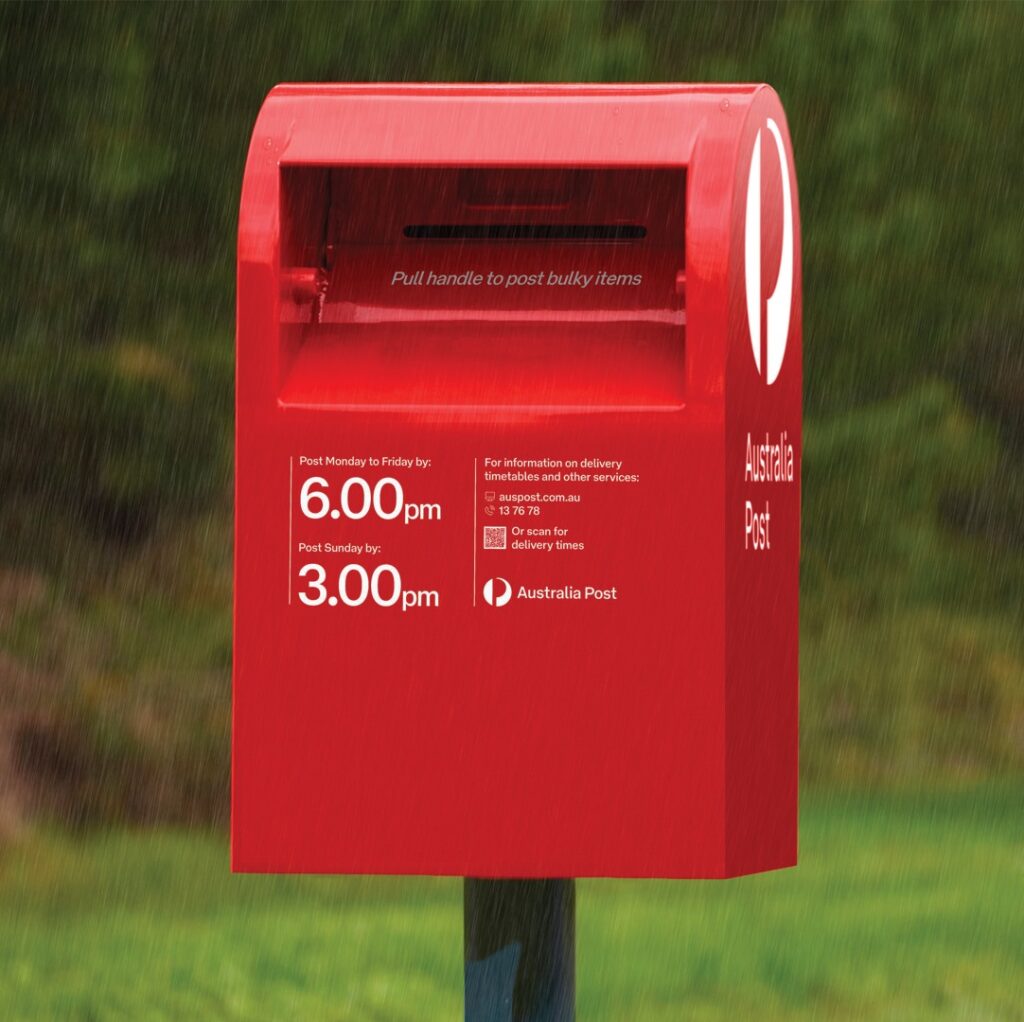
MyPost Business is used widely by many businesses, as it saves you time by allowing you to submit your parcel information electronically and to generate pre-printed labels and tracking information automatically.
Although there are many advantages to using MyPost Business, it can become a bit of a chore for some. Without a fulfilment service, you still need to export your orders, import them into MyPost Business, mark each order as shipped, and update each order with the tracking number.
Wouldn’t it be great if you could find some way get your orders straight into the MyPost Business system without having to manually export and import them, update tracking numbers, manually print labels etc.?
That’s what we thought! So we now have a direct integration with the MyPost Business system.
Once you have activated your MyPost Business account within your store’s admin, you can directly submit your orders to Australia Post with the click of a button. Your customer is automatically notified with the tracking information, you can print out all of your labels in one batch… and you’ll also be able to check on the status of each parcel until it is successfully delivered.
Our new integration is going to save you so much time that you’ll have oodles left to invest in marketing your store. Our first users are already delighted by the way this improves the way they run their businesses… and makes it so much easier to get the fulfilment side of your business sorted.
To make this feature accessible to everyone, the MyPost Business integration is available to all stores. It’s included in our Pro plan, and available as an add-on on all other plans in the Accounts -> Add-ons section of your store’s admin. It can be enabled in the Preferences -> Fulfilment Services section of your store’s admin.
This is the first of our new fulfilment service integrations. Stay tuned, as there is more to come!
Hey! Just a quick heads-up for anyone using our Australia Post eParcel integration. They have updated their services, and you may need to update your rates in the Fulfilment Services section of your store’s Preferences.
What we can see is that the Express Post service has been given a new product ID and/or renamed. If you get an error when trying to ship, your best bet is to roll back the shipment, update the settings and try shipping the order again.
Note: This only affects stores using our fulfillment integration with eParcel. If you are just using Australia Post’s CSV file then you shouldn’t be affected.
As part of our efforts to support small businesses (like us) during these difficult times, we’re looking for ways we can help our merchants stay on top of cashflow woes. If you have an idea for a new feature or function that will help you, please let us know by emailing us at support@spiffystores.com.au
To start, we’re announcing new support for Gift Cards, built right into your store. We’re extending this to include our Startup Plan, which means that right now, it’s the best value ecommerce plan available from any ecommerce provider.
We hope this helps our merchants as we and our economy slowly recover from the effects of COVID-19.
Why gift cards?
Sudden declines in sales are difficult to manage when expenses haven’t changed, and still need to be paid. Electricity, rent, utilities, and basic supplies are static costs that we don’t often have control over. This leaves merchants struggling with money going out, and less money coming in. Here are some other benefits to offering Gift Cards…
Gift Cards build brand awareness Gift Cards are easy, cost-effective advertising that can help keep your business top of mind with your audience. Virtual Gift Cards promote your brand messaging with online customers, and physical Gift Cards offer wallet-sized advertisements to share your business’s messaging.
Gift Cards capture more holiday sales Gift Cards allow all types of businesses to catch the holiday spirit. From homewares to car wash subscriptions, lawn care, home maintenance and salon services, Gift Card programs can make the holidays brighter for everyone – whatever their interests are.
Gift Cards enable customer engagement Gift givers are essentially your brand ambassadors, so you want to ensure recipients and givers alike are left feeling uplifted by their experience. Engagement with a customer starts with a Gift Card, but it doesn’t have to end there. Gift Card programs open doors to deeper customer relationships and additional marketing opportunities.
Gift Cards are safe and convenient Today’s virtual Gift Cards are safer and more accessible than paper certificates that were vulnerable to loss, theft and fraud from duplication. As for convenience, you can accept Gift Cards the same way you accept credit and debit cards: in your own online store’s checkout.
Gift Cards improve cash flow Selling Gift Cards allows you to generate revenue in advance of providing products or services. As an added bonus, customers who use Gift Cards aren’t as price sensitive. They actually consider them as free money or a discount, which means that they’ll spend more than the value of the card when redeeming the card. In fact, two out of three consumers who pay with a Gift Card will spend 38 percent more than the card’s value.
Using Gift Cards to increase your cash flow
Gift Card products can be created in your Spiffy Store in the Products section of your store’s admin. You can modify their name, image, description, and the denominations that your customers can buy. They’re sent digitally by email and can be redeemed in your store at any time. Make sure you check out our tutorial on creating a Gift Card product.
Once you’ve set up your Gift Card product, make sure you let your customers know. You can do this a number of ways…
Email your customers to let them know. You may even want to offer them a discount on a Gift Card using a coupon code.
Connect with your customers on social media. When we’re all isolating and trying to keep safe, it’s more important for you to connect with your customers. As you ask how they’re doing, let them know how you’re doing as well, and how they can now send a gift card to loved on.
Connect with your local community through online based channels, like chats, groups, and discussions, post on local Facebook pages. Small businesses often have loyal followers and they can help you get the word out.
Issuing Gift Cards
In addition to selling Gift Cards, you can also send Gift Cards yourself. This is often a good way to say thanks to a customer, or to issue a refund… but you can also issue Gift Cards lower in value to promote spending, rather than offering a discount.
You could also issue Gift Cards as part of a giveaway promotion, or competition. Our tutorial on issuing Gift Cards can be found in our knowledge base.
This is a quick “heads-up” for all our Spiffy Stores web designers and developers out there who are customizing and building fantastic themes for their customers.
As you already know, Spiffy Stores has always supported the use of Sass (Syntactically Awesome Style Sheets) to ease the development of stylesheets in your themes. It’s a great productivity tool and makes the whole job of building and managing your CSS styles a whole lot easier. In fact, at Spiffy Stores, we’ve been using Sass almost from day one, well over ten years ago.
Since it’s such a great productivity tool, we were a bit concerned to learn that our current implementation was being deprecated in favour of a newly developed version called Dart Sass, and that this version would be the basis of all future development going forward.
We’re happy to announce that we’ve just built a bridge to the new Dart Sass that can be used by all existing themes and any new themes without any change, ensuring our long-term commitment to the Sass language and environment.
We’re aware that another ecommerce platform has decided that supporting Sass is too difficult, and has chosen to withdraw support for Sass from their theme platform, requiring instead that all stylesheets be coded using native CSS. Booooo! As web developers ourselves, we’d be pretty unhappy about something like this, so if you know anyone who has been affected by this change, then please let them know that Spiffy Stores is fully behind Sass and it’s continued importance in the web development stack.
If you have any questions about the use of Sass, or developing themes for Spiffy Stores, please let us know at support@spiffystores.com.au.