|
|
We’re pleased to announce that we have a new feature for our theme templates… Theme Settings. Although the Spiffy Stores Themes have always been highly configurable, this configuration necessarily required some knowledge of HTML and CSS. Not any more. The new Theme Settings ability means that theme designers can now create a custom settings form that allows the end-user to simply choose from basic theme configuration options such as colour scheme, custom logo configuration and design layout. Posted on
4th
June
2010 , Tags: color, color filters, colour, colour filters, configuration, settings, theme, theme settings, Themes
|
Posted by
Shawn |
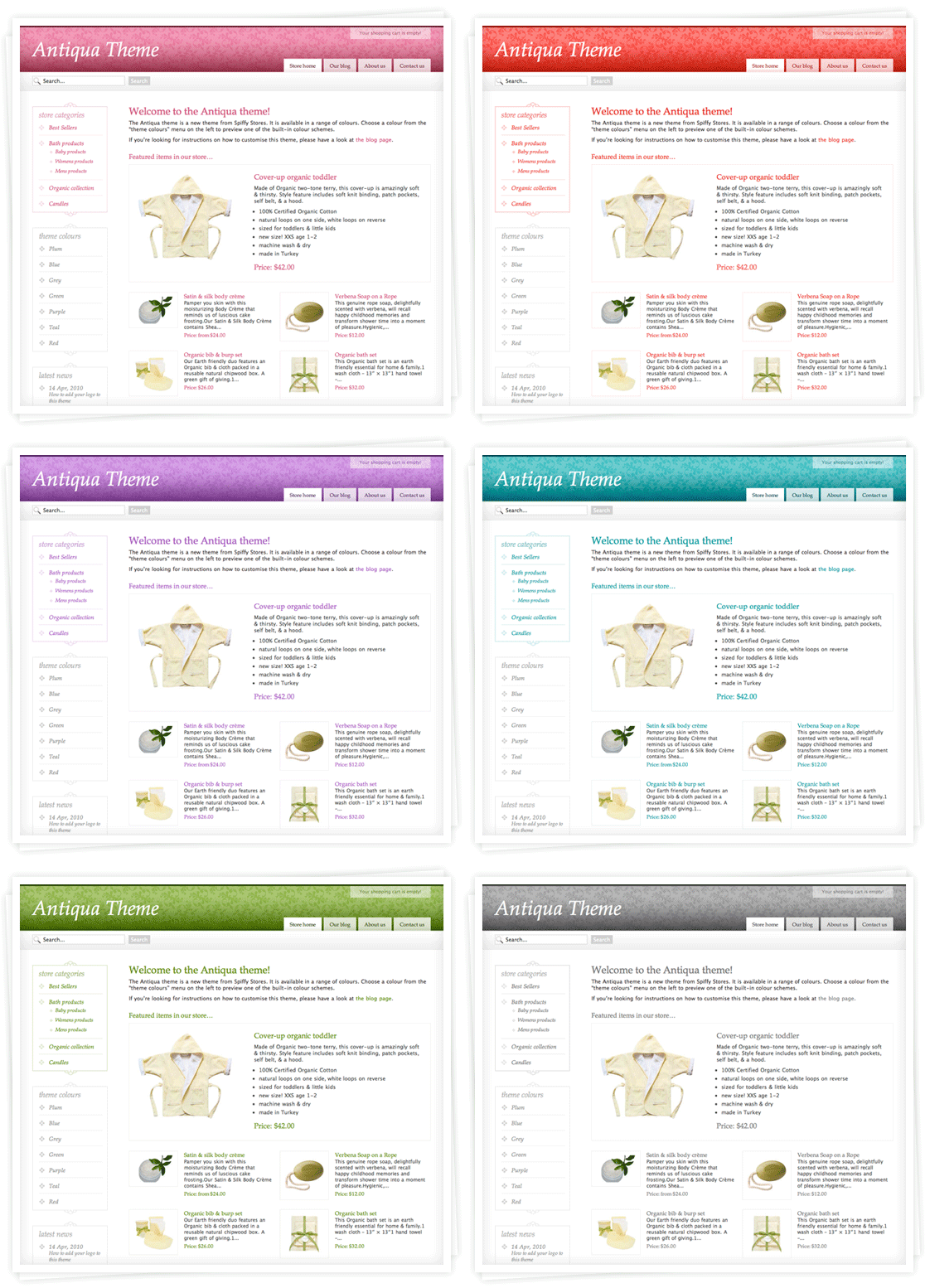
We know we’ve been teasing you a little too much with the delayed launch of this theme… well the Antiqua theme is now available to all stores in your theme gallery. Check out the theme preview site at http://antiqua.spiffystores.com To apply this theme to your store, just navigate to the “Theme gallery” section in your Toolbox (in the Design & assets section). You’ll see the Antiqua theme there. If you want to try it out on your site, remember to save your current theme by downloading it first. This means that you’ll be able to restore it at a later date if you’d prefer to use your old theme. |
Posted by
Brian |
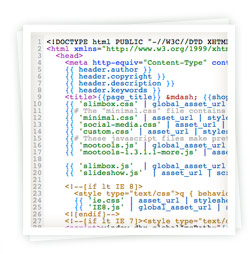
Here’s a quick update. We’ve added a small improvement to our Theme support by defining a new Rather than hand-coding author, copyright, description and keywords meta tags, you can just code
{{ header.author }}
{{ header.copyright }}
{{ header.description }}
{{ header.keywords }}
These variables will automatically generate the appropriate meta tags for your page’s content. The advantage of these automatically generated tags is that they structure the description information in a way that makes it easy for the search engines to extract the relevant information about your product or page and this will appear as the snippet in the search results. For details have a look at our Knowledge Base documentation |
Posted by
Shawn |
We’ve been working on a new theme that we’ve christened “Antiqua”. This theme will shortly be added as a free theme option to all stores, so stay tuned! Like our other themes, it will also be available in a range of colours. |
Posted by
Shawn |
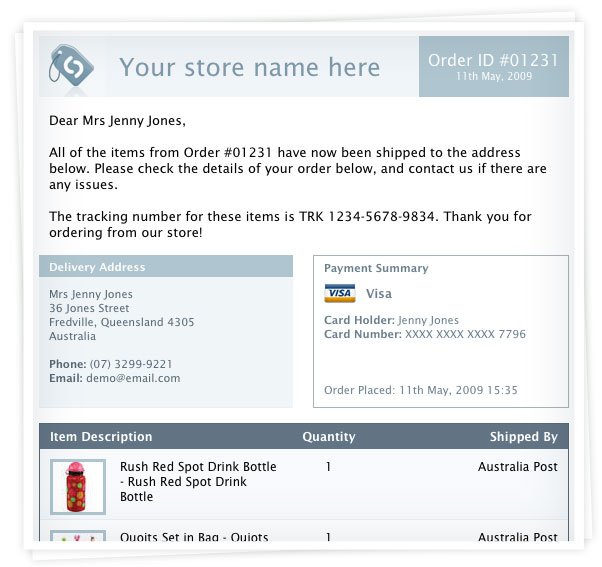
We’ve been working hard on getting the shipping side of processing your orders sorted out to make it as streamlined as possible for you. Now, when you mark an order as shipped, a notification email is sent out to the customer to let them know their items are on their way. You can also add a tracking number so they can track their shipment. A new Order Shipping Report is also created instead of the old Fulfilment Report, which also allows the printing of Packing Slips. Very soon you’ll also be able to customise your emails as well, so you’ll be able to completely re-brand all aspects of your store! Check out the preview of the email to the right. Enjoy! |
Posted by
Brian |
You can now update your site with our latest theme, Fresh! To do this, just navigate to the “Theme” tab, and then go into the Gallery. You’ll see the new theme at the top of the list. If you want to try it out on your site, remember to save your current theme by downloading it first. This means that you’ll be able to restore it at a later date if you’s prefer to use your old theme. |