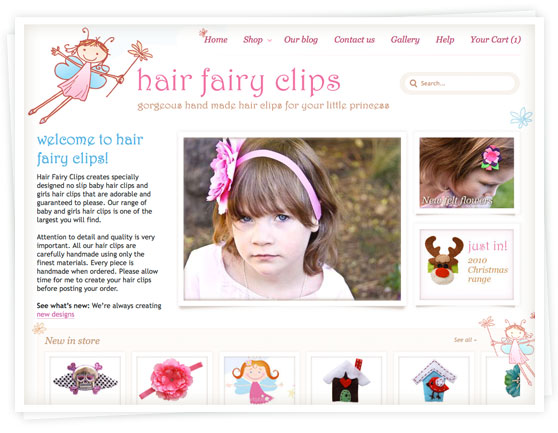
This is a quick “heads-up” for all our Spiffy Stores web designers and developers out there who are customizing and building fantastic themes for their customers.
As you already know, Spiffy Stores has always supported the use of Sass (Syntactically Awesome Style Sheets) to ease the development of stylesheets in your themes. It’s a great productivity tool and makes the whole job of building and managing your CSS styles a whole lot easier. In fact, at Spiffy Stores, we’ve been using Sass almost from day one, well over ten years ago.
Since it’s such a great productivity tool, we were a bit concerned to learn that our current implementation was being deprecated in favour of a newly developed version called Dart Sass, and that this version would be the basis of all future development going forward.
We’re happy to announce that we’ve just built a bridge to the new Dart Sass that can be used by all existing themes and any new themes without any change, ensuring our long-term commitment to the Sass language and environment.
We’re aware that another ecommerce platform has decided that supporting Sass is too difficult, and has chosen to withdraw support for Sass from their theme platform, requiring instead that all stylesheets be coded using native CSS. Booooo! As web developers ourselves, we’d be pretty unhappy about something like this, so if you know anyone who has been affected by this change, then please let them know that Spiffy Stores is fully behind Sass and it’s continued importance in the web development stack.
If you have any questions about the use of Sass, or developing themes for Spiffy Stores, please let us know at support@spiffystores.com.au.
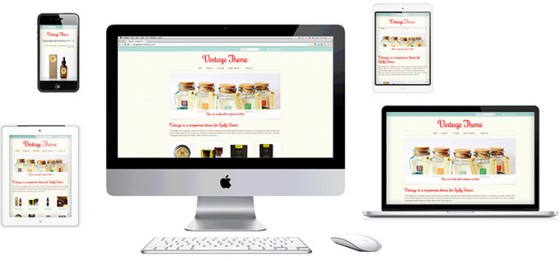 Vintage, our most flexible theme yet, is a fully responsive design. The layout will automatically adapt to the screen size it’s viewed on, whether that’s a smart phone, a tablet or a laptop. In fact, it will always look its best on any screen width from 320 pixels to over 2500.
 We’ve always believed in pushing the technical envelope to provide advanced technical solutions to make life easier for our store owners. This is way more important to us than the hype and gloss that you may find in the rest of the industry.
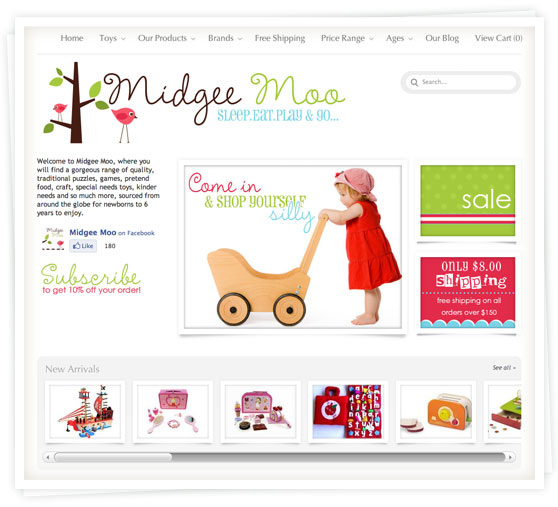 The Midgee Moo online store has a gorgeous range of quality, traditional puzzles, games, pretend food, craft, special needs toys, kinder needs and so much more… sourced from around the globe for kids from newborn up to 6 years old to enjoy.
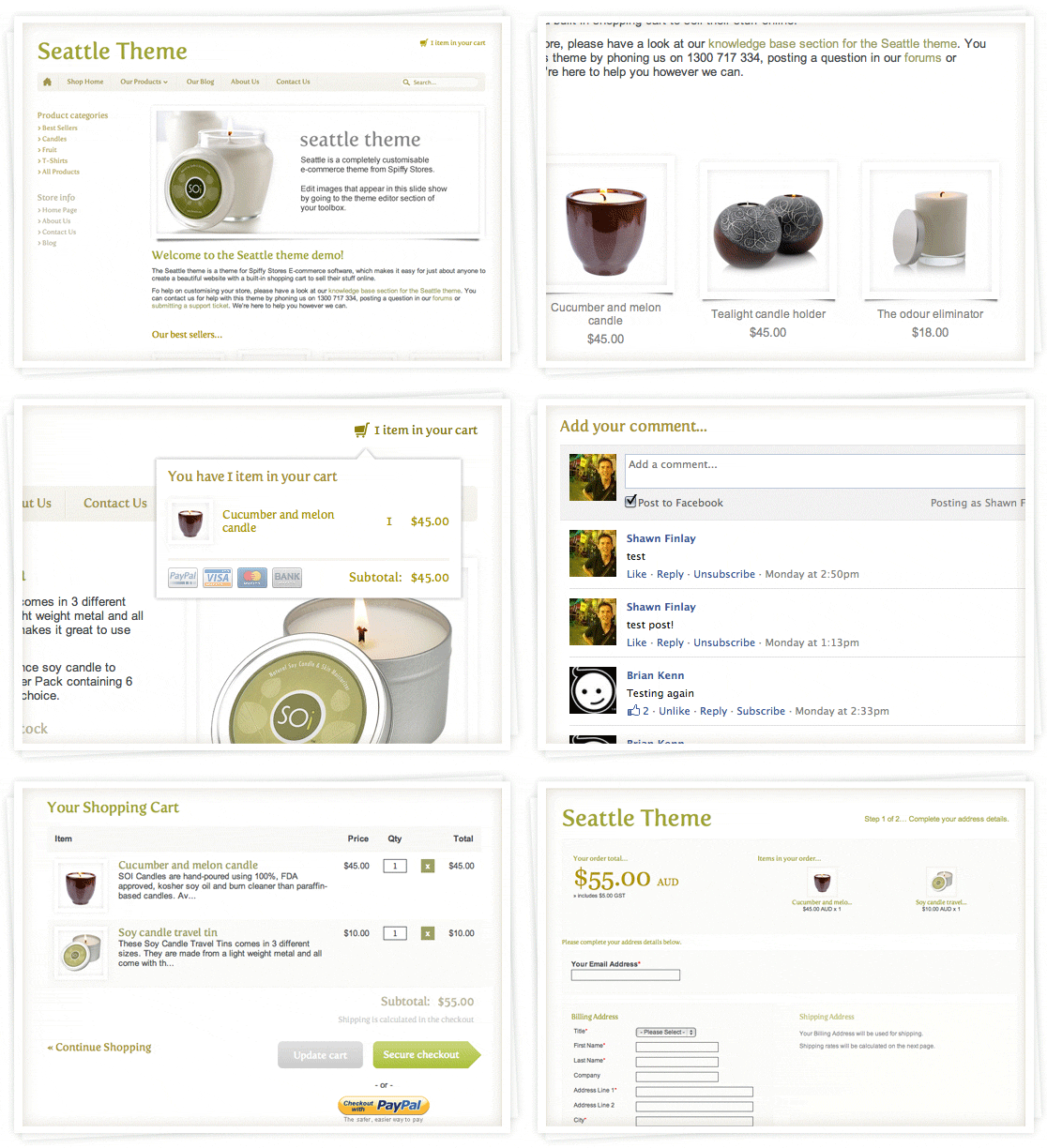 We’re pleased to announce the release of a new Spiffy Stores theme!. The Seattle Theme for Spiffy Stores includes a host of features including unlimited colour schemes, Facebook comments, wish lists, social media integration including Google +1, customisable slideshows and 9 different font options. Read on to find out more about this theme.